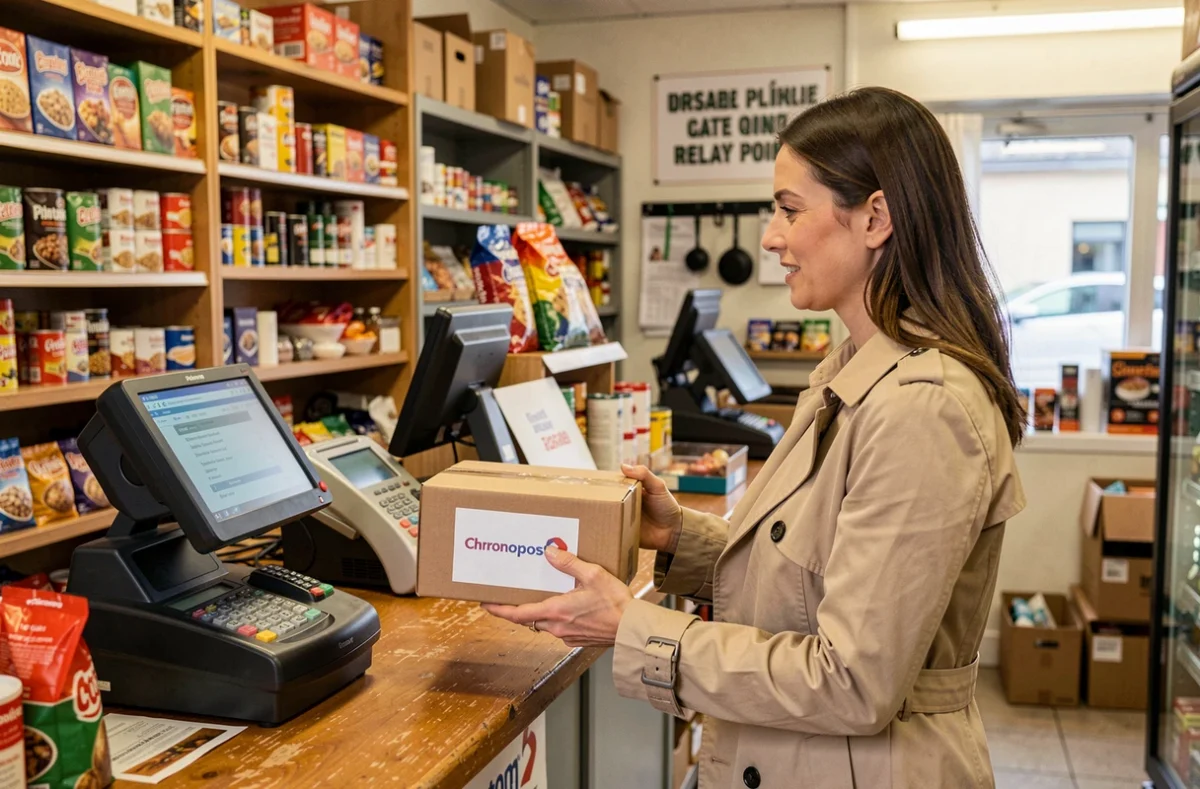
A Chronopost pickup point, also known as a Pickup point, is a local business (tobacco shop, dry cleaner, convenience store) that accepts the drop-off or pick-up of parcels on behalf of the Pickup network. Locating the nearest one usually poses no technical difficulty, but choosing one that truly meets your needs (drop-off, pick-up, sending between individuals) requires checking several criteria before heading out.
Difference between Pickup point, locker, and post office for a Chronopost shipment
Before searching for an address on a map, it is important to understand that not all locations labeled “Chronopost” provide the same service. A Pickup point is not interchangeable with a locker or a postal counter.
A Pickup point is a partner business. The merchant receives and hands over parcels during their opening hours. An automatic locker, on the other hand, operates in self-service mode, often accessible during wider time slots, but it does not always allow for the drop-off of a shipment.
For a parcel sent via the Shop2Shop service (sending from relay to relay, commonly used between individuals on platforms like Vinted), the drop-off location must be a Pickup point compatible with this service. A traditional post office or locker is not suitable for this operation. This distinction, rarely highlighted, helps avoid unnecessary trips.
Knowing how to find a nearby Chronopost pickup point therefore involves filtering based on the type of service sought, not just geographical distance.
How to choose a truly usable pickup point for your parcel
The interactive map on the Pickup or Chronopost website displays points close to a given address. Entering a postal code or activating geolocation is enough to obtain a list. The trap lies in selecting the first result without consulting its detailed information.

The same Pickup point does not necessarily offer both drop-off and pick-up. The information sheet for each relay specifies the available services. A point that accepts parcel delivery to a recipient may very well refuse drop-offs. Checking this detail before you go takes a few seconds and saves you a round trip.
Here are the concrete criteria to check on the pickup point’s information sheet before leaving:
- The type of service accepted (pick-up only, drop-off only, or both), displayed in the form of pictograms or text mentions on the Pickup map.
- The actual opening hours of the business, which may differ on holidays or during the summer period. Consulting the sheet on the same day remains the most reliable method.
- Compatibility with the service used (Shop2Shop, Chrono Relais, etc.), as a point listed for standard pick-up does not automatically accept sending between individuals.
- The maximum parcel size accepted, which varies from one business to another depending on the storage space available.
Consult the relay’s information sheet on the day of your trip, not the day before. Availability and hours can change without notice, especially when a merchant closes unexpectedly.
Chronopost location tools: website, app, and alternatives
Several paths lead to the same map of pickup points, but their ergonomics differ depending on your situation.
The Chronopost website and the Pickup page
Searching by address or postal code on chronopost.fr or pickup.fr remains the most direct method. The map displays points around the entered address with a color code according to the type of relay (business, locker). Each marker opens a detailed sheet.
Geolocation on mobile
On a smartphone, allowing geolocation in the browser or in the Chronopost app allows you to directly display the relays around your position. Geolocation is useful when on the move, when you do not know the exact postal code of where you are.
When making an online purchase
At the time of payment on an e-commerce site, selecting delivery to a pickup point triggers the display of an integrated map. This map uses Pickup data but may not display all the filters available on the official site. If the point proposed by default does not suit you, there is nothing stopping you from checking alternatives directly on pickup.fr before confirming.
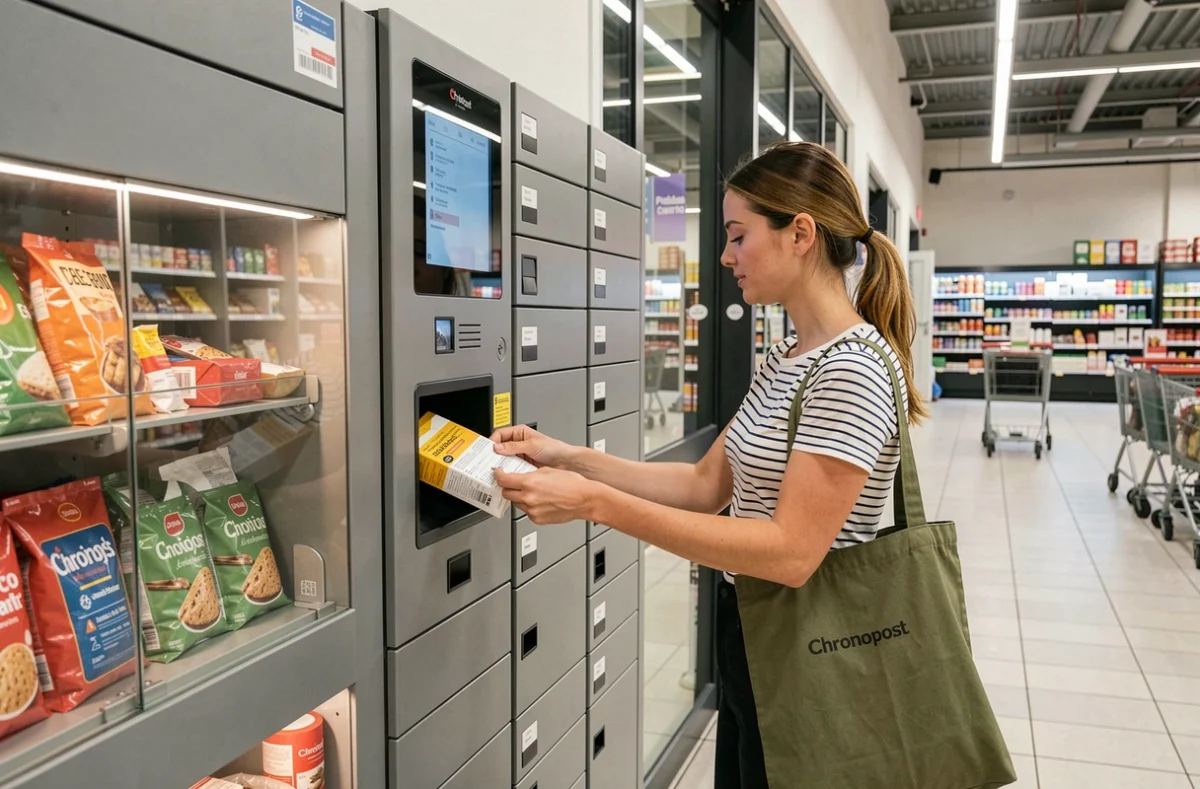
Saturated or closed Chronopost pickup point: what to do concretely
A relay may be temporarily unavailable for several reasons: closure of the business, storage saturation during peak periods, or suspension of the partnership with Pickup.
The parcel tracking indicates the actual drop-off point, not the one initially planned. If your parcel is redirected to another relay, the notification sent by Chronopost (email or SMS) specifies the new address. Checking the tracking before you go helps avoid discovering a closed curtain.
In case of persistent issues, there are two options:
- Request a new home delivery attempt via the Chronopost tracking space, if the initial service allows it.
- Select another available pickup point on the map, filtering by service type to avoid making the same mistake.
- Contact Chronopost customer service to report a closed relay, which helps update the database for future users.
The density of the Pickup network across France means that an alternative point is usually just a few minutes away from the first. Prefer a slightly farther but reliable relay rather than the closest one on the map without prior verification.
The most useful reflex remains to treat the pickup point’s information sheet as a living piece of information, not as a fixed data point. A business changes its hours, closes for renovations, or ceases its relay activity without the map being updated instantly. Checking the sheet on the same day, filtering by compatible service, and keeping an alternative in mind covers almost all problematic situations.