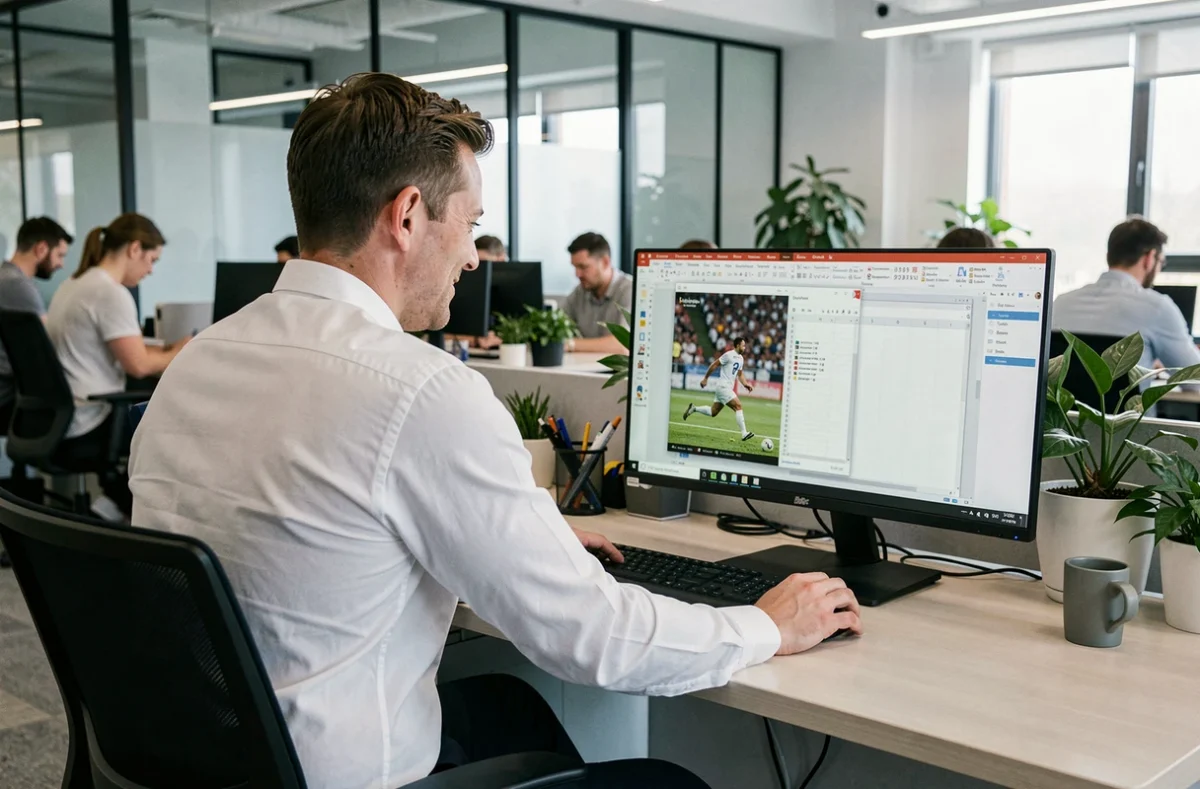
A Champions League match scheduled for 4 PM, a meeting at 4:15 PM: the situation resonates with all football fans stuck behind a professional screen. Watching a game at the office without alerting colleagues or management requires a bit of strategy. No miraculous gadgets, just simple technical reflexes and a good understanding of the boundaries not to be crossed.
Disciplinary risk and IT charter: what labor law says
Before any tips, a point often overlooked. The employer can monitor activity on professional equipment, including browsing history, as long as employees have been informed beforehand. This surveillance must remain proportionate, in accordance with the CNIL’s doctrine and the Labor Code.
In companies with at least 50 employees, the internal regulations are mandatory and specify the authorized uses of the network. An attached IT charter may explicitly prohibit streaming. If you violate these rules, sanctions range from a simple reprimand to dismissal for misconduct.
Using a personal phone during a break is a separate case. Occasional use during your break is treated differently from watching during working hours. The boundary lies in the actual encroachment on your duties and adherence to internal rules. Keeping this framework in mind allows you to assess the risk clearly before clicking “play”.

Professional network security and streaming: a forgotten angle
Most guides focus on visual discretion. No one talks about the real issue for your employer: the IT security of the network.
Accessing an unauthorized streaming site from a work station exposes the network to several threats. The intrusive ads from these platforms often carry malicious scripts. Installing a browser extension to bypass a block creates an additional vulnerability. The bandwidth consumed by a video stream can also saturate the local network and slow down the work of the entire team.
Have you noticed that your professional connection becomes sluggish during major competitions? This is precisely the phenomenon. A network administrator can easily spot an abnormal traffic spike, and the source can be traced in a few clicks. Visual discretion is useless if the network betrays you.
The safest solution remains to use your own smartphone with your own mobile data plan. You can watch football discreetly on Les Héros du Sport from your personal device without leaving any trace on the company’s infrastructure.
Setting up your workstation for a discreet match at the office
The browser is your first ally. Opening a private browsing window prevents local history from being recorded. On most browsers, a keyboard shortcut is enough: Ctrl + Shift + N or Ctrl + Shift + P depending on the software.
Next, managing windows makes all the difference. Here are the reflexes to automate:
- Reduce the video stream window to a quarter of the screen and place it in a corner, behind a spreadsheet or an open work document in the foreground.
- Memorize the Alt + Tab (Windows) or Cmd + Tab (Mac) shortcut to instantly switch to a professional application if someone approaches your workstation.
- Mute the browser sound by default and use a single earbud, facing the wall, to follow the audio commentary without drawing attention.
- Disable notifications from the streaming site to prevent a pop-up from revealing your activity on a shared screen or projector.
A single wired earbud is less detectable than headphones. Wireless noise-canceling earbuds clearly signal that you are not working on a report.
The privacy filter for screens
This plastic film attaches to your monitor and reduces the viewing angle. Viewed from the front, the display remains readable. However, anyone positioned to the side sees only a dark screen. If your workstation is in an open space, this accessory provides an extra layer of protection.

Following the score live without video stream: the least risky option
Watching a match on video is not always realistic. Filtered network, crowded open space, imminent meeting: some days leave no margin. In this case, live score tracking remains the most discreet method.
A live score tab looks like any other text-based web page. No video, no sound, almost no bandwidth consumption. Several sites and apps provide real-time updates with key match actions: goals, cards, substitutions.
Why does this option work better in a professional context? Because it generates no detectable video traffic, requires no earbuds, and can be closed with one click without leaving a buffering player. You can even set up silent alerts on your phone to be notified only in case of a goal.
Lunch break and football match: legal framework to know
The Labor Code generally prohibits taking your meal at your workstation in establishments subject to the obligation to provide a dining area. Watching a match on your professional screen while sitting at your desk during lunch break does not necessarily constitute a trivial use.
Prefer a break area or a rest room if your company has one. You are on your personal time, on your personal device, without interfering with the network or your workstation. The distinction between actual working time and break time remains the determining criterion in case of dispute.
Every football competition brings the same dilemma between passion and professional obligations. Technical tips help, but the most effective precaution remains to know precisely the applicable rules in your company before launching any stream. A glance at the IT charter takes less time than a disciplinary interview.